How to run a giveaway with a random number generator
Prepare the participant list, set the range, prevent duplicate winners, and keep a clear record of the draw.
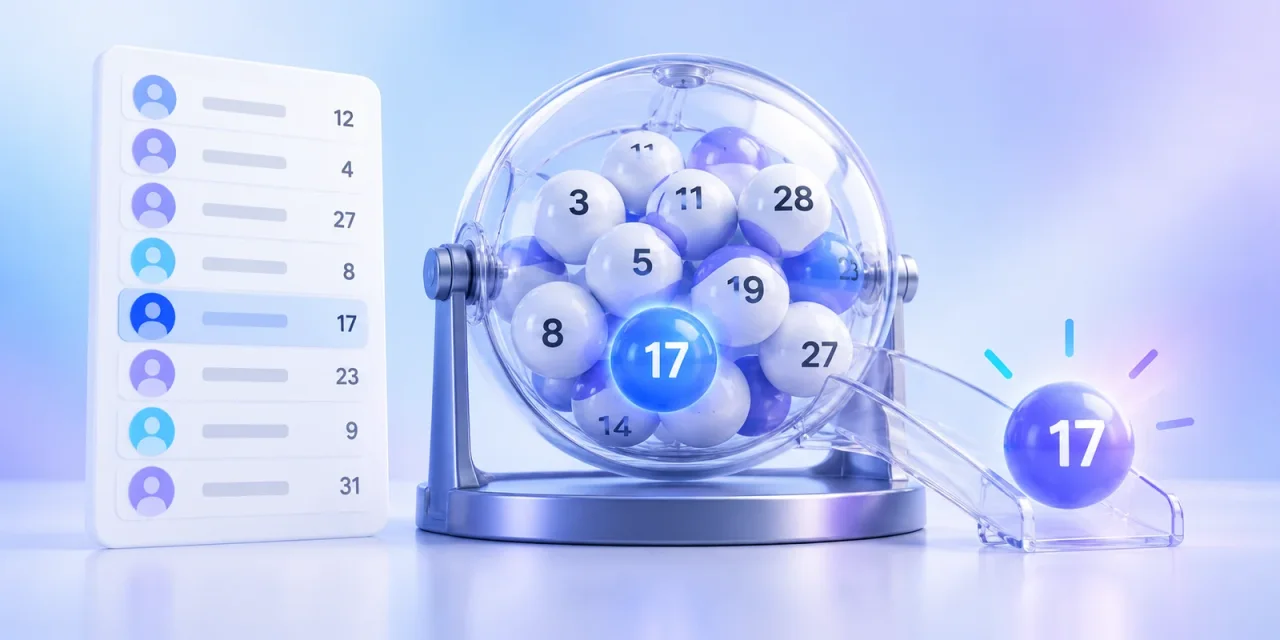
Disputes after a giveaway rarely start with the random number itself. They start when the participant list changes at the last minute, one person holds several entries, or the host never explained when a redraw is allowed. Set those rules before pressing the button.
Prepare the participant list and numbers
Build the final list in a table and assign one unique integer to each row. The clearest numbering starts at 1 and ends at the participant count. Do not delete rows after numbering because every later number will shift and the result becomes difficult to verify.
- Remove duplicate and ineligible entries.
- Close entries and save the final version of the list.
- Assign consecutive numbers without gaps.
- Show the accepted participant count before the draw.
Set a range with no unused numbers
For 248 participants, set the minimum to 1 and the maximum to 248. Both endpoints are eligible results. Generate one value for one winner. Several values generated together may contain duplicates, so decide whether the same person can win more than once.
Choose several winners without repeats
Select one number at a time. Mark each winner in the table and exclude that entry from the next round. If renumbering is impractical, define a repeated winning number as a valid reason for another draw before the giveaway starts.
Keep a record of the conditions and result
State the range and winner count before generating anything. Save the winning number, time, and final participant table. For a public giveaway, a screen recording can show the generator settings and the first result without exposing unnecessary participant data.